
Peakly
ADHD medication tracker
Log when you take your medication, and Peakly shows whether it is rising, at its strongest, or wearing off. Goals, routines, and to-dos are in the same app.
01
Medication
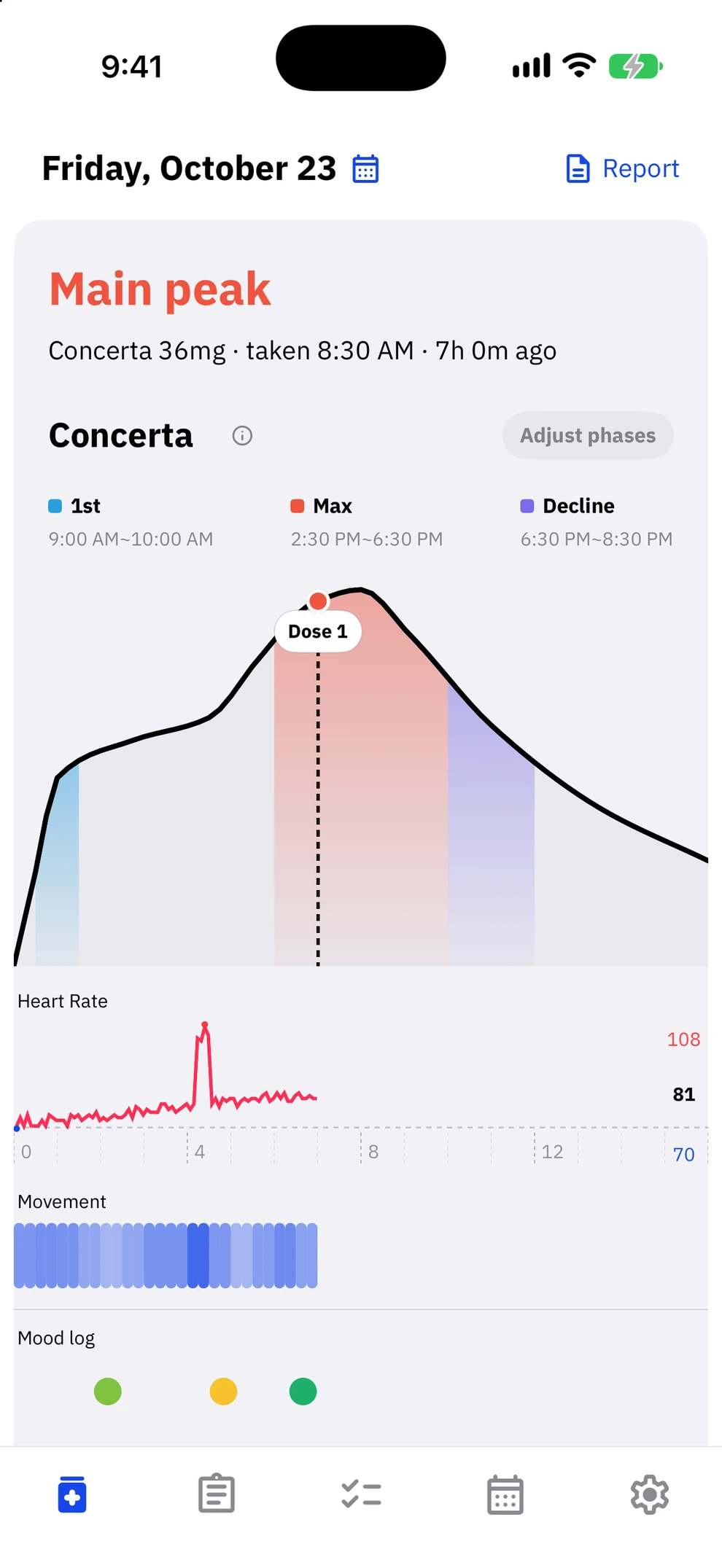
Log your dose time and see how the effect changes through the day.
Estimated effect curve
Know where your medication is.
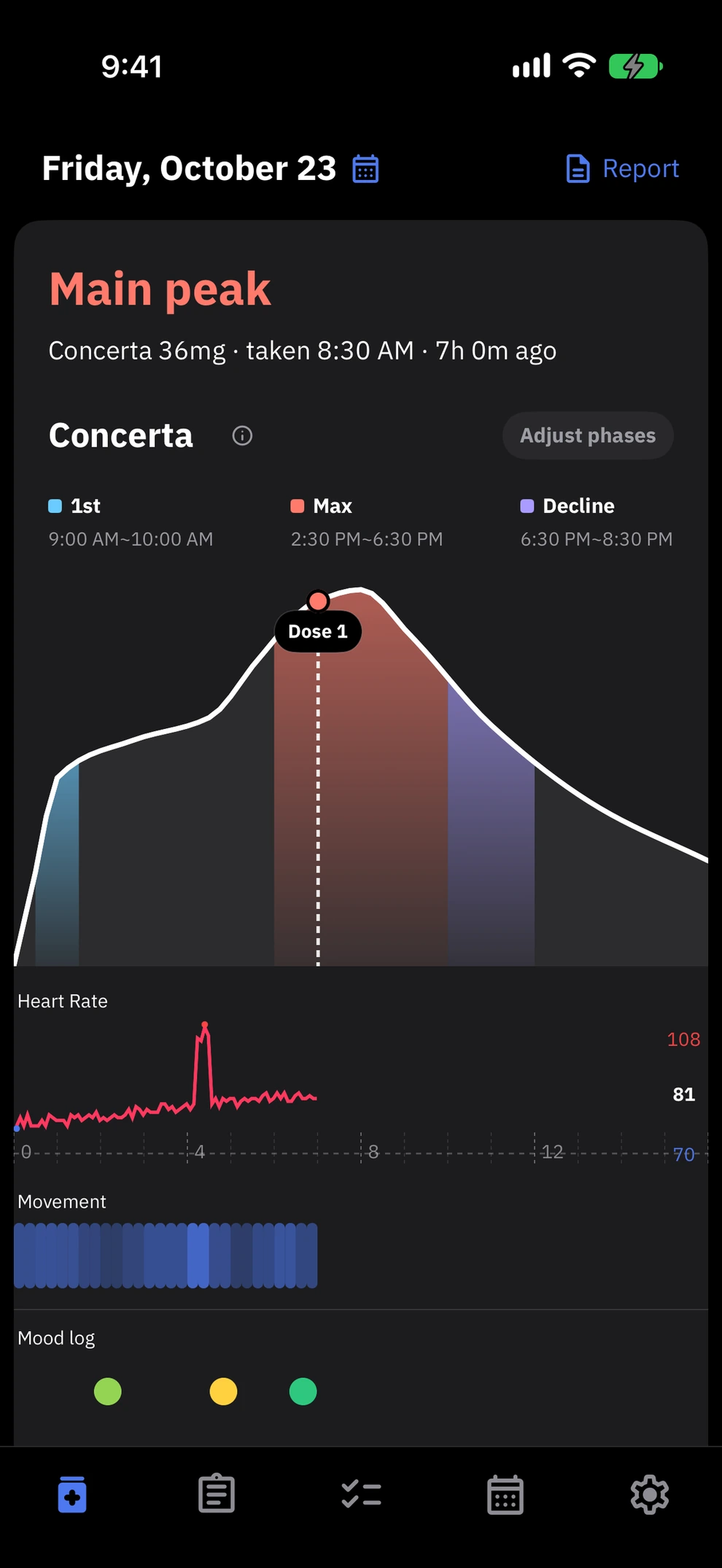
Based on the known effect profiles of Concerta and Medikinet, Peakly draws your estimated effect by time of day. See whether it is rising, at its strongest, or wearing off, and adjust each phase's timing to fit how your body responds. With Apple Watch, heart rate and movement appear under the curve by time of day.
Curves are estimates for reference and do not replace medical advice.
Mood check-in
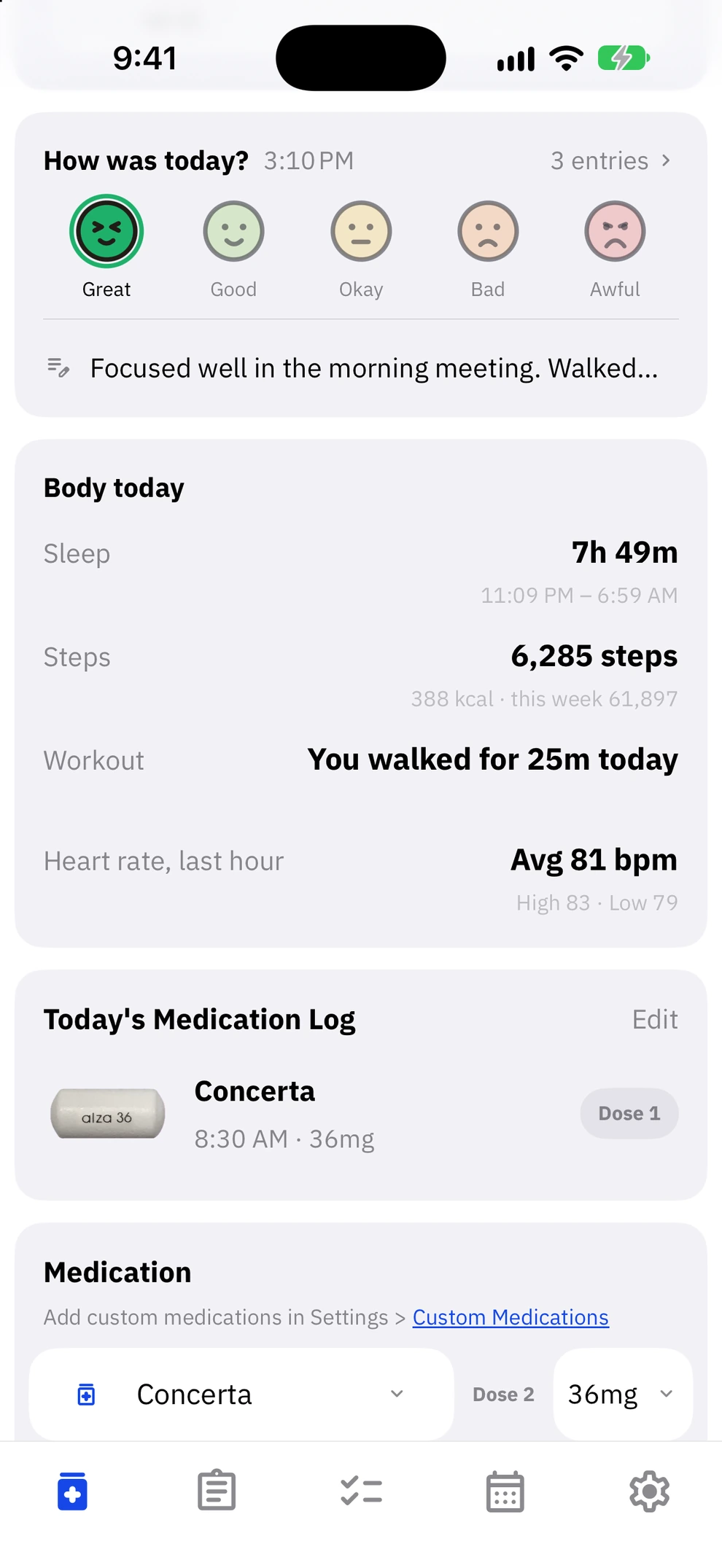
One tap for your mood, one line for a note.
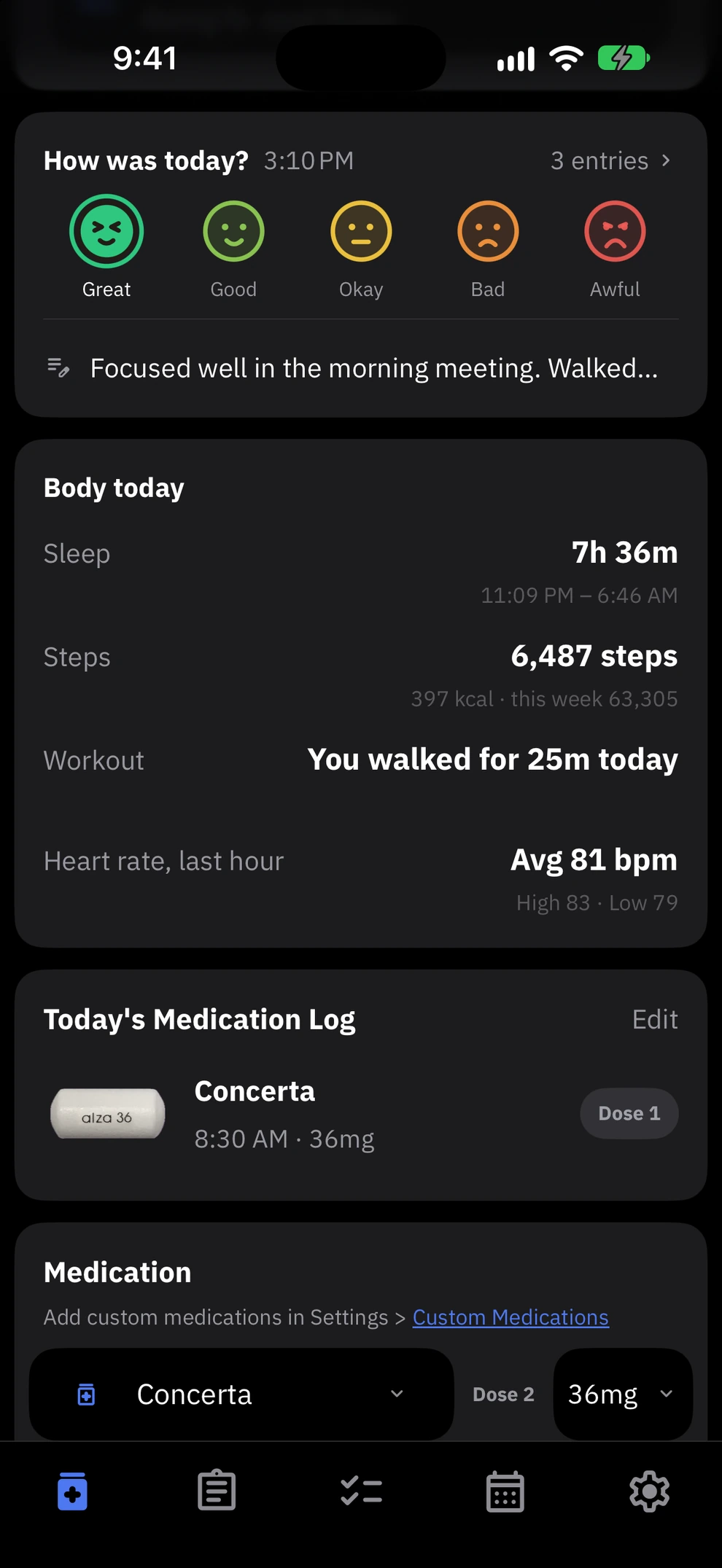
Tap one of five faces to log how you feel at that moment. Log as often as you like; each mood appears under the effect curve at the time you logged it. You can add a one-line note right below the faces.
Dynamic Island and Lock Screen
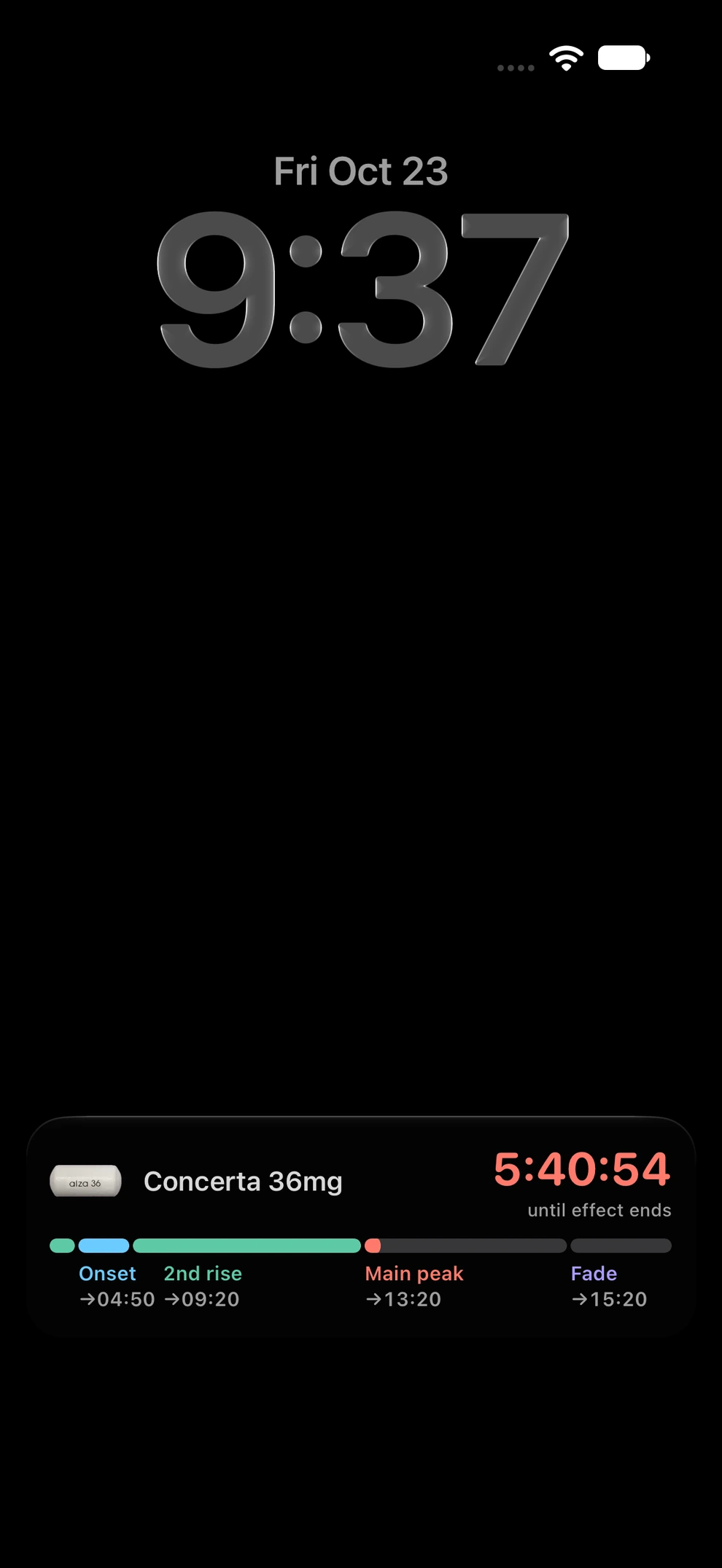
Time left, always on screen.
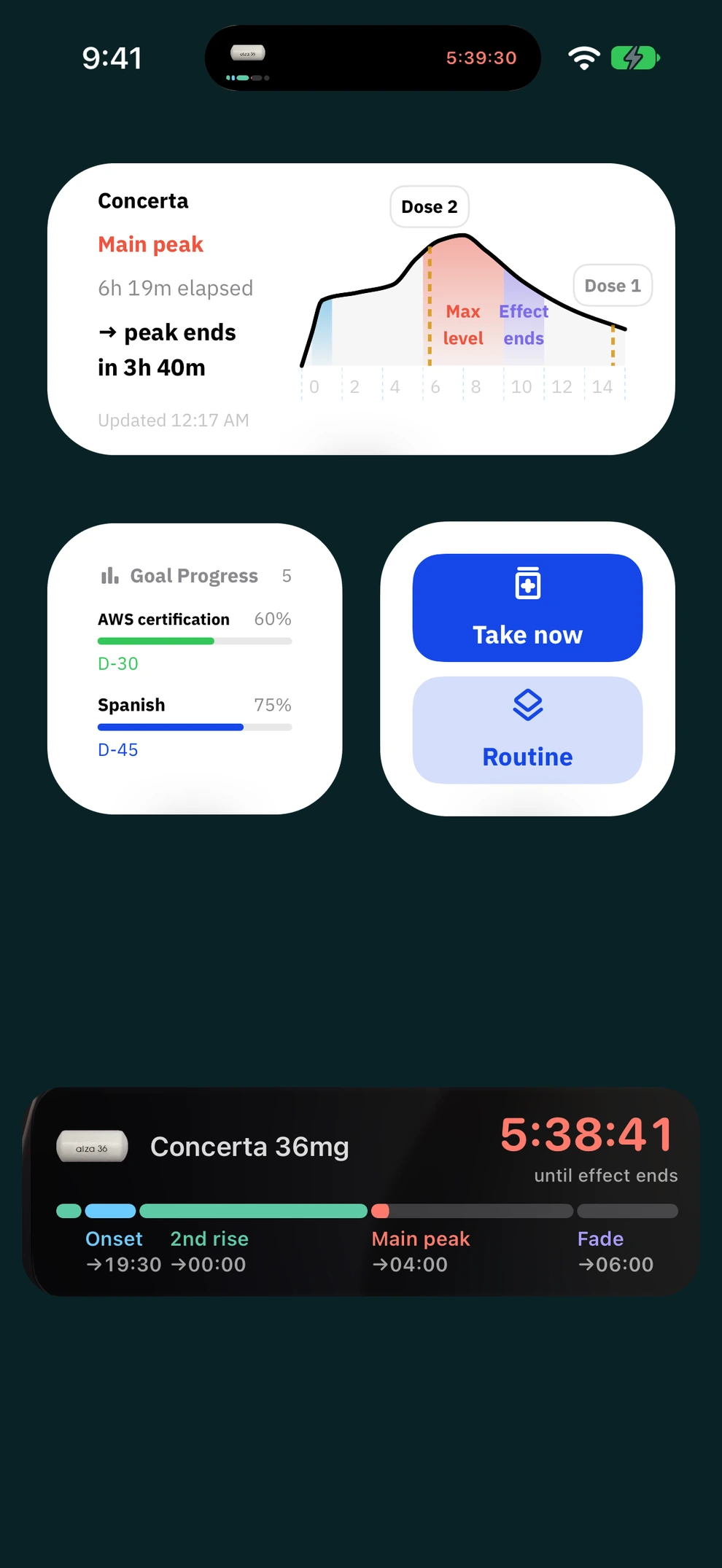
The time your medication has left stays in the Dynamic Island, on the Lock Screen, and in the Apple Watch Smart Stack, and in the notification shade on Android. Notifications tell you when it starts rising, when the peak window begins, and when it is wearing off. You can also hide medication names and images on widgets and the Lock Screen.
PDF report
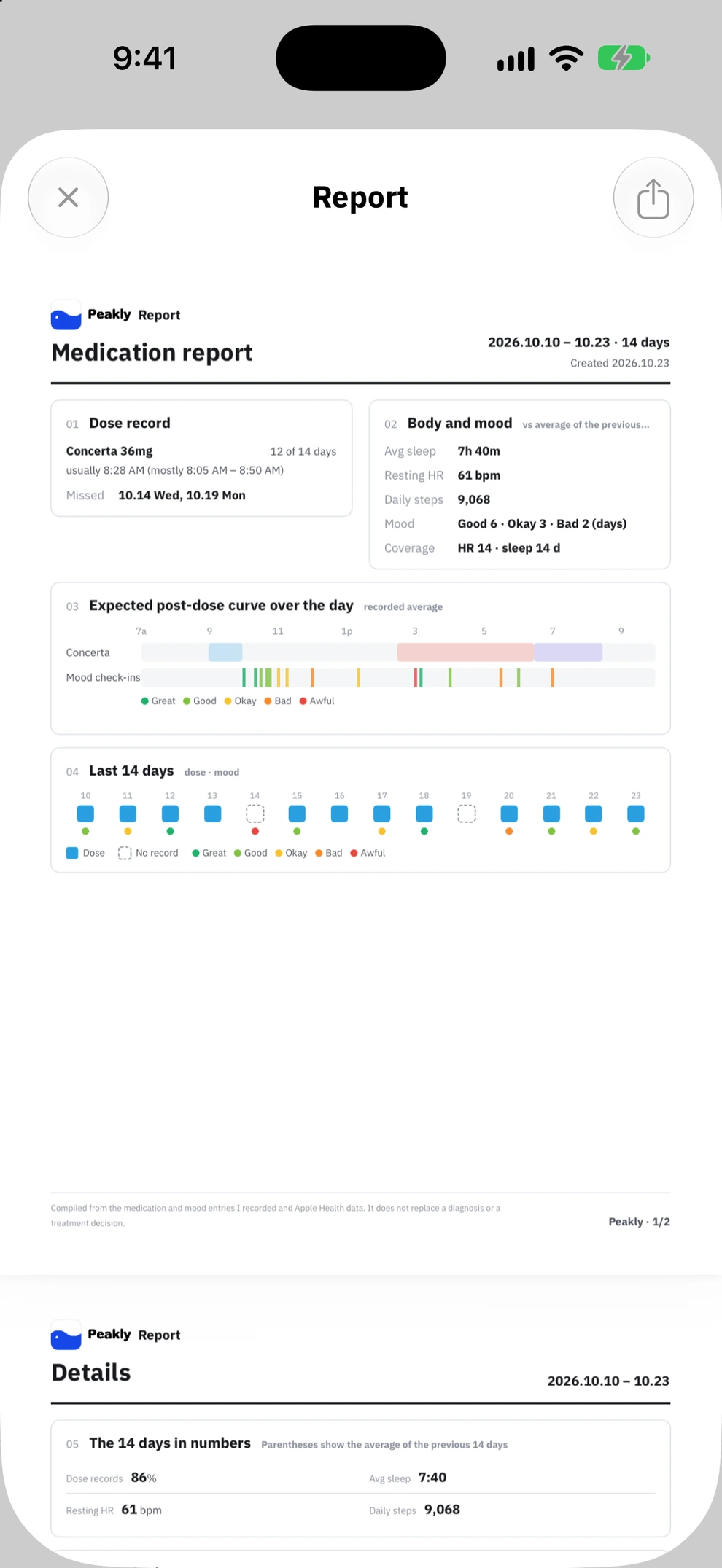
Your records as a PDF for your doctor.
Pick a period and Peakly makes a two-page medication report as a PDF. It includes your dose records, how your condition changed from the previous period, how the effect ran through the day, daily notes, and questions to ask at the visit.
02
Goals
Give big goals a deadline, then split them into today's tasks.
All goals
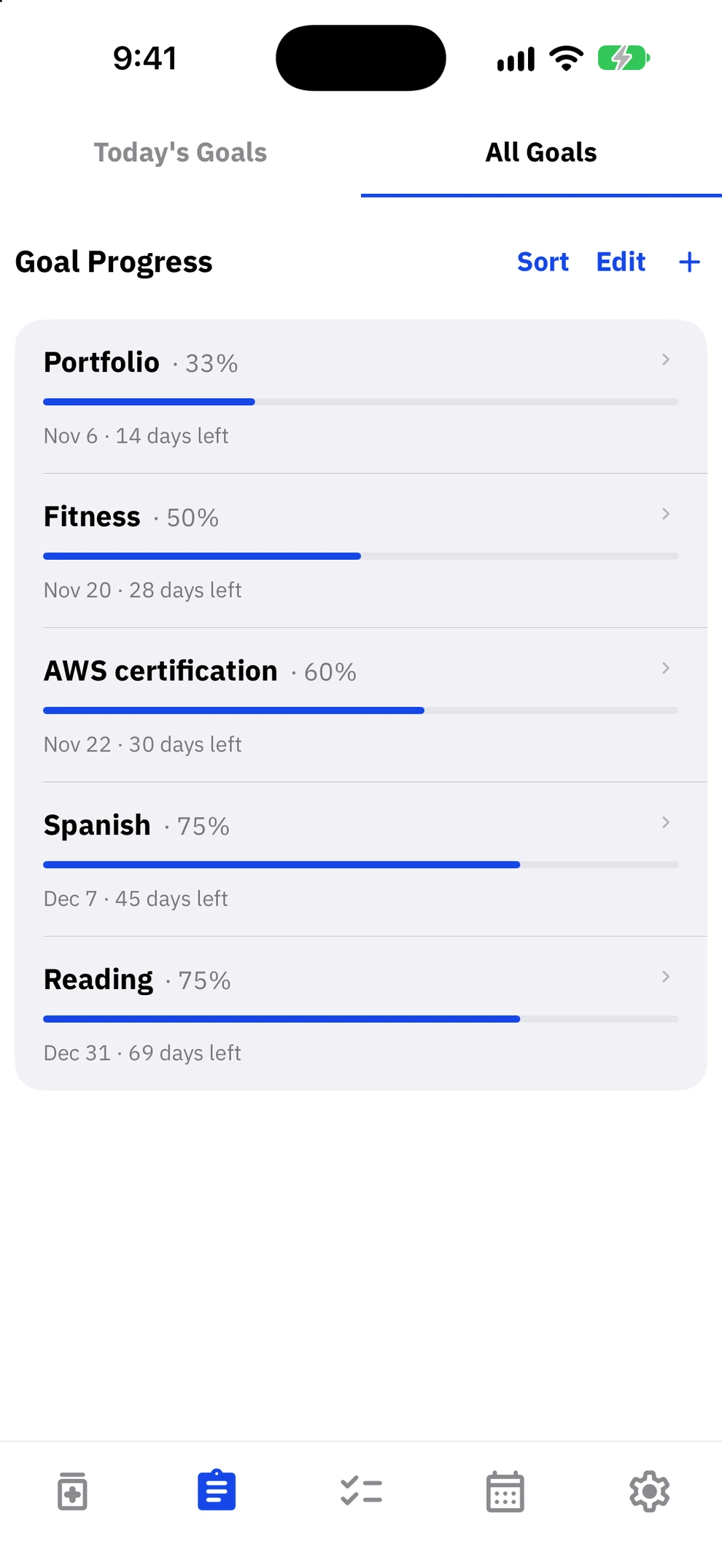
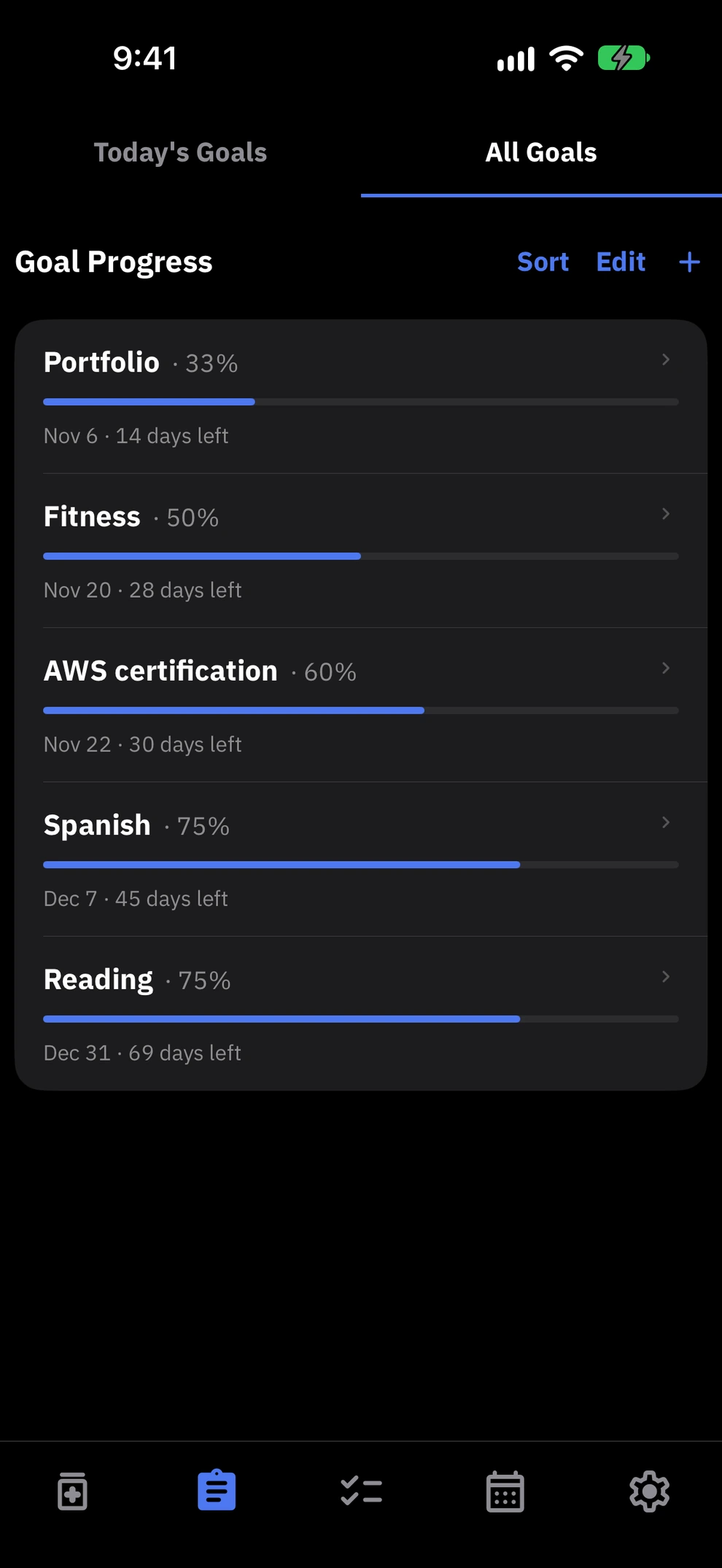
Goals as progress, waiting days as D-Days.
Give a big goal like a certification, a diet, or a portfolio a date, and you see its progress and the time left together. Things with a fixed date, like a trip, an exam day, or an anniversary, sit on screen as D-Days.
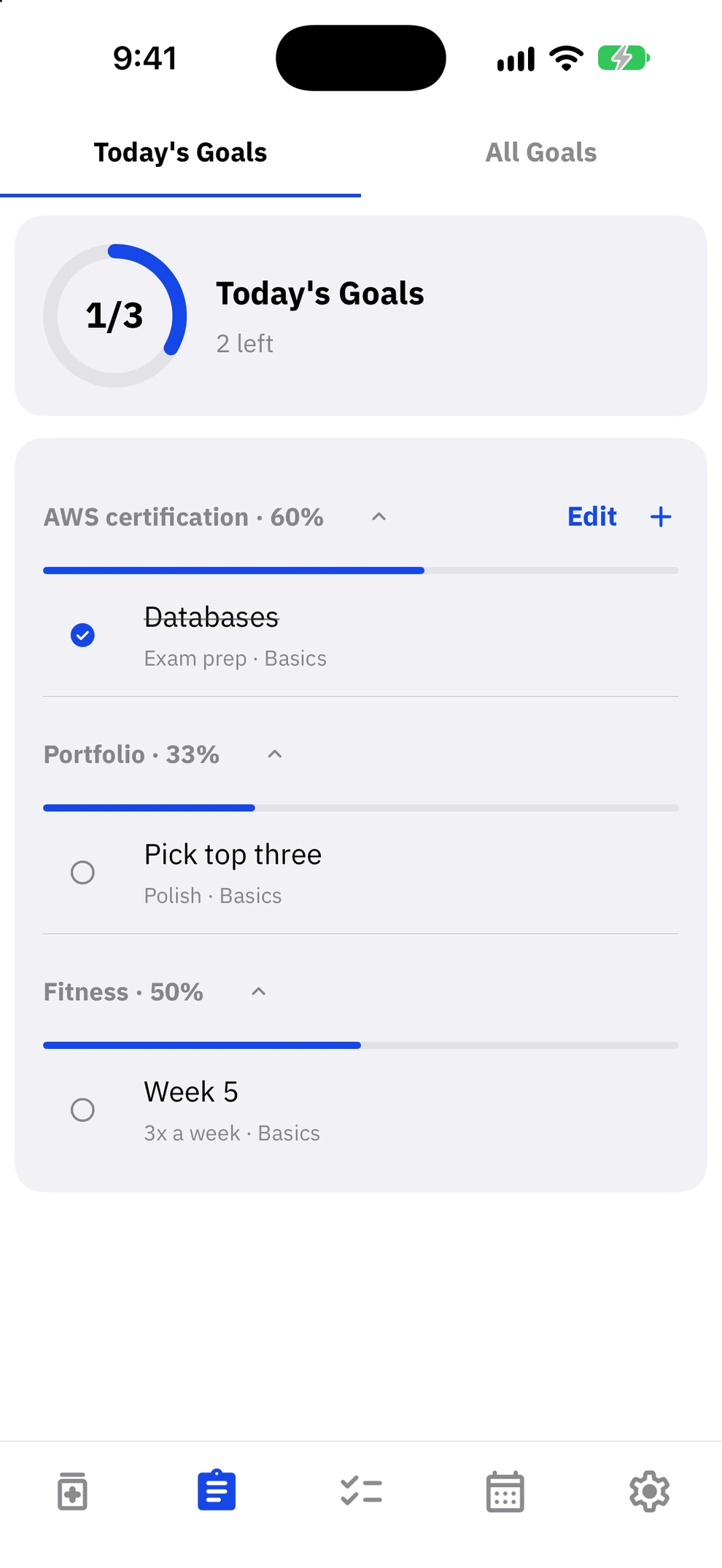
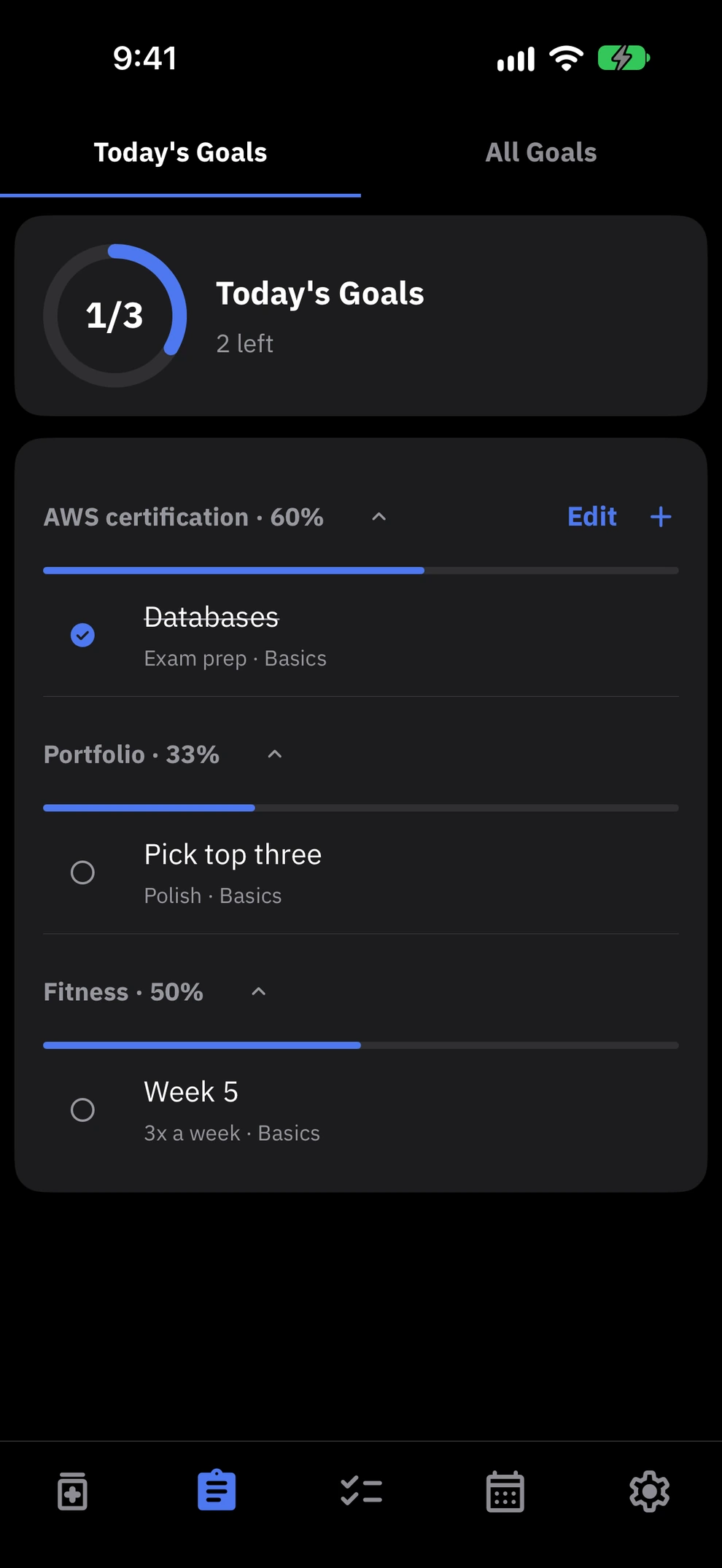
Today's goals
Turn a goal into today's tasks.
Split a big goal into small things to do today and check them off one by one. Small daily steps add up to the big goal.
03
Tasks
Daily habits and deadlines, kept apart.
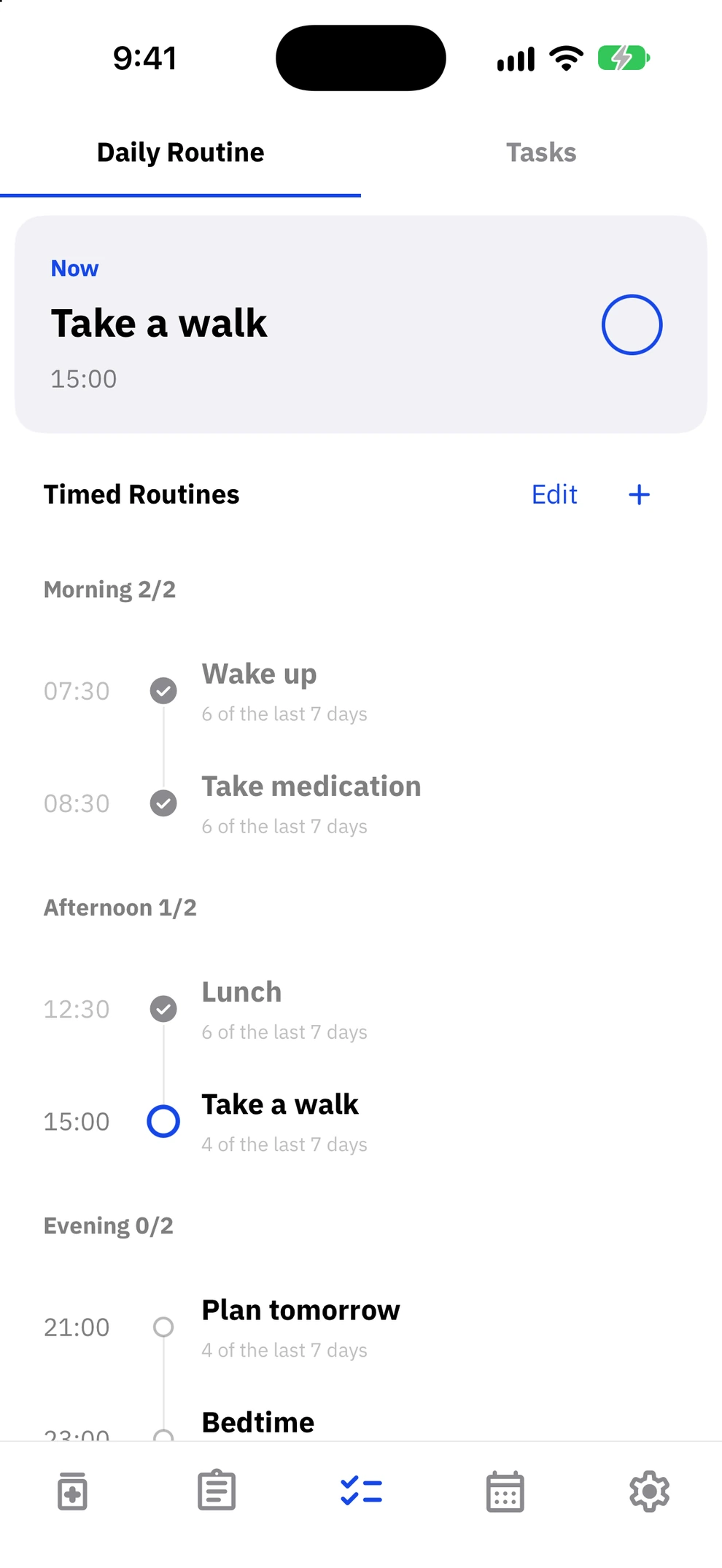
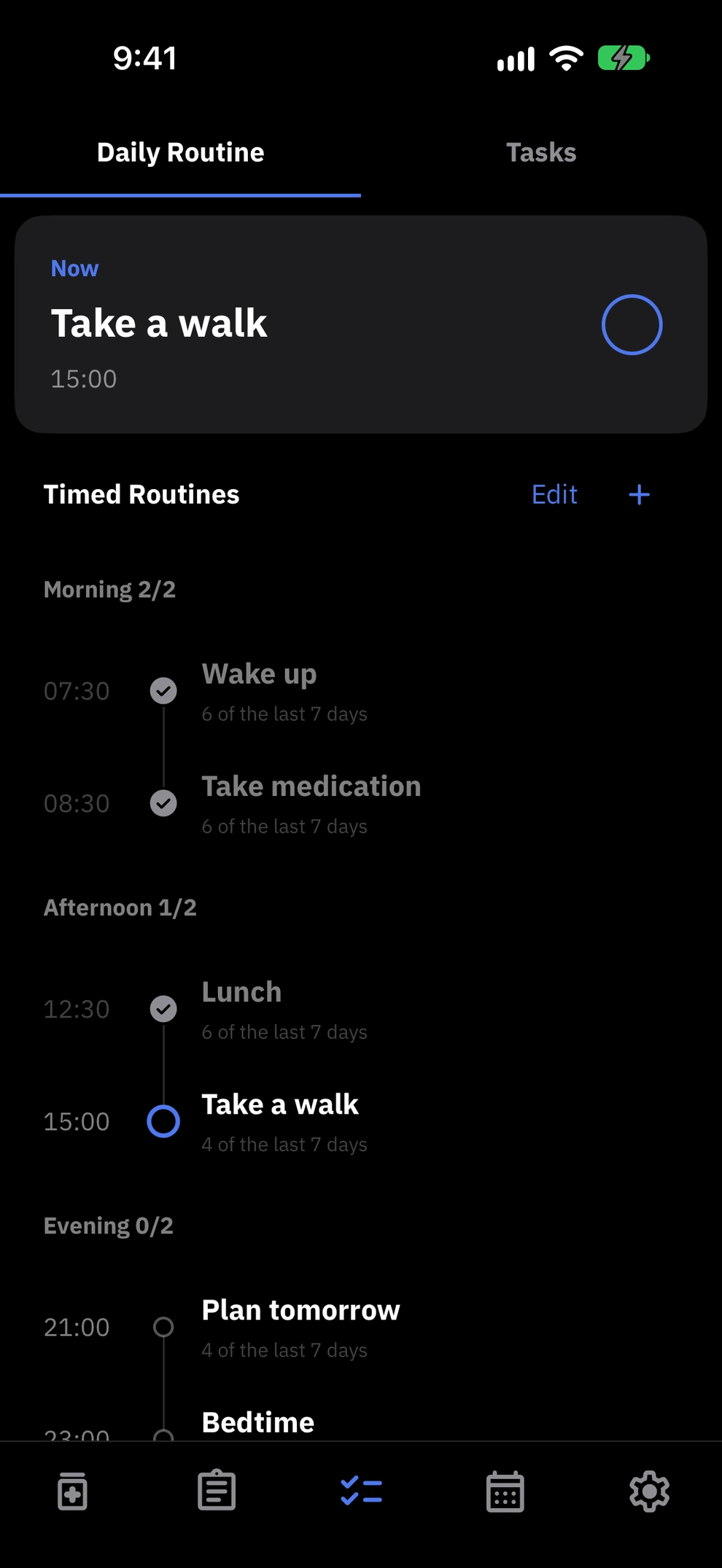
Daily routines
Things for a set time, and anytime.
Things with a set time, like waking up or a walk, go into timed routines. Things you can do anytime, like stretching, go into anytime routines. Peakly also shows how many you missed in the last 7 days and this month.
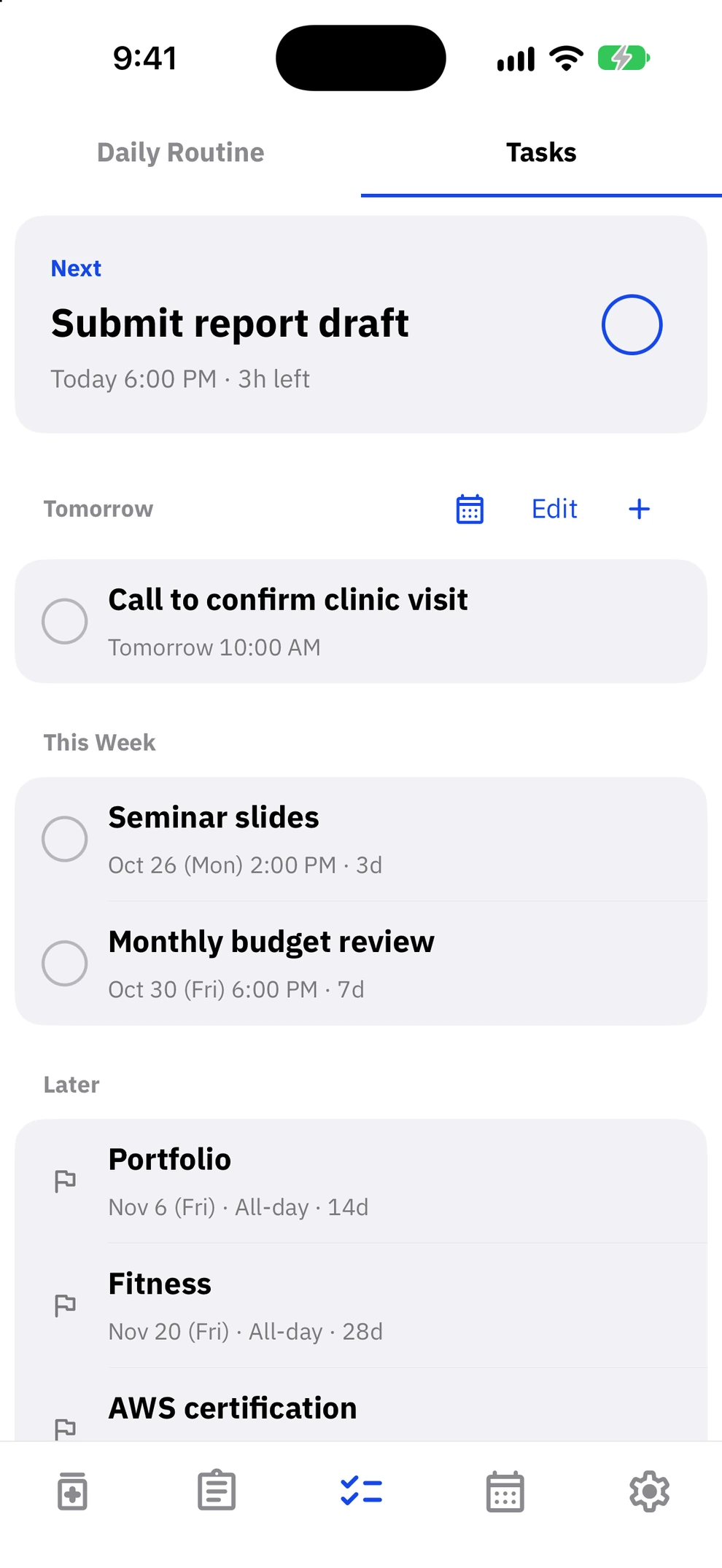
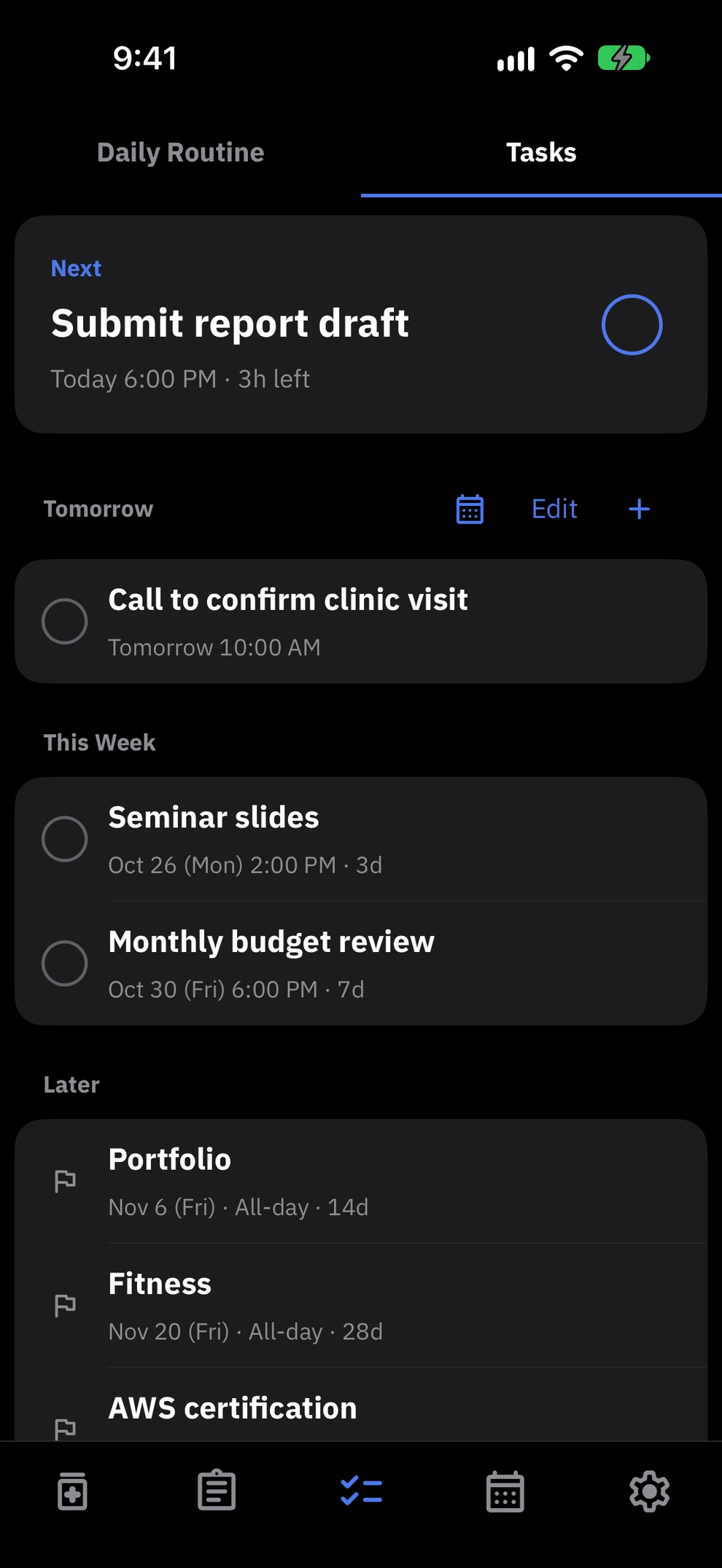
To-dos
Closest deadline first.
Tasks with deadlines are grouped into today, this week, and later, so you can see what to do first.
04
History
Past days, and how each one felt.
Calendar
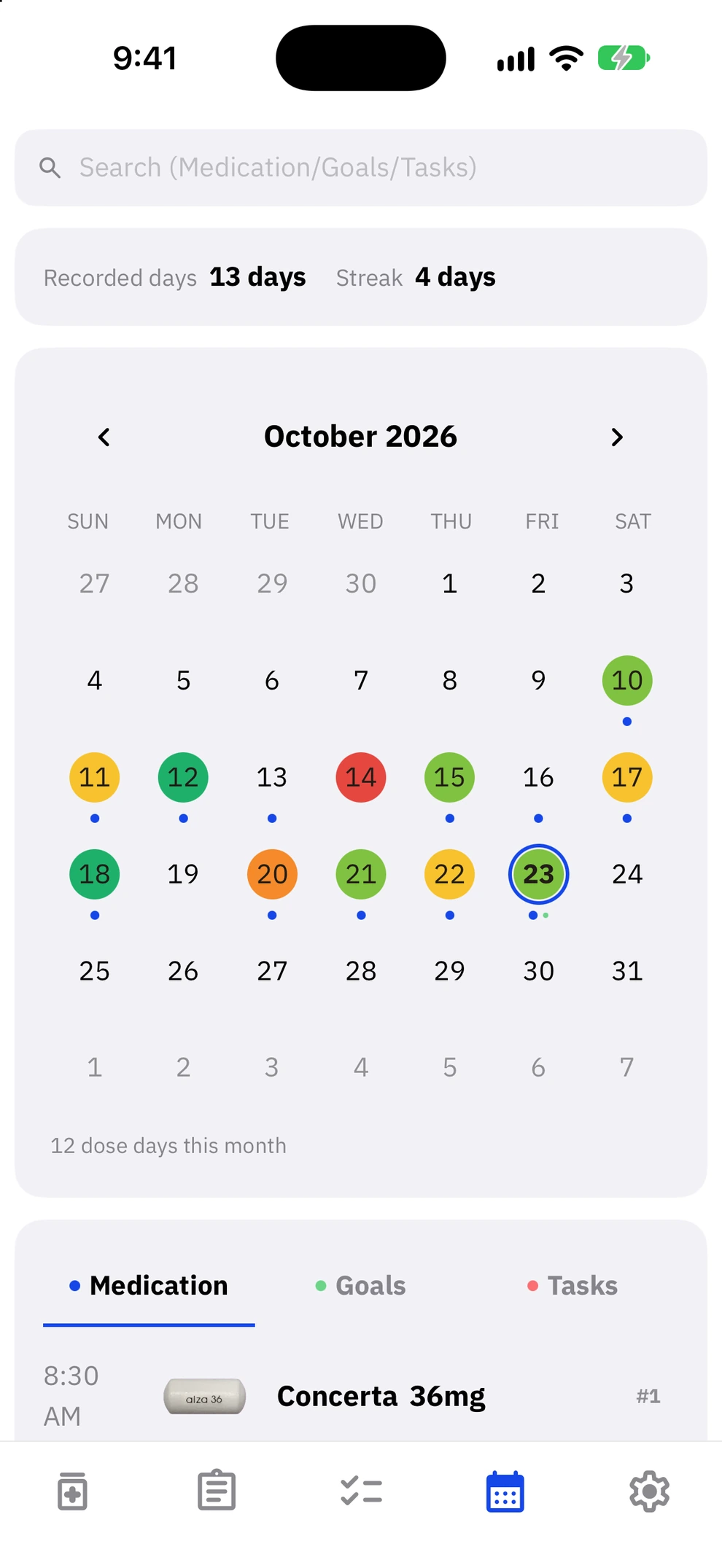
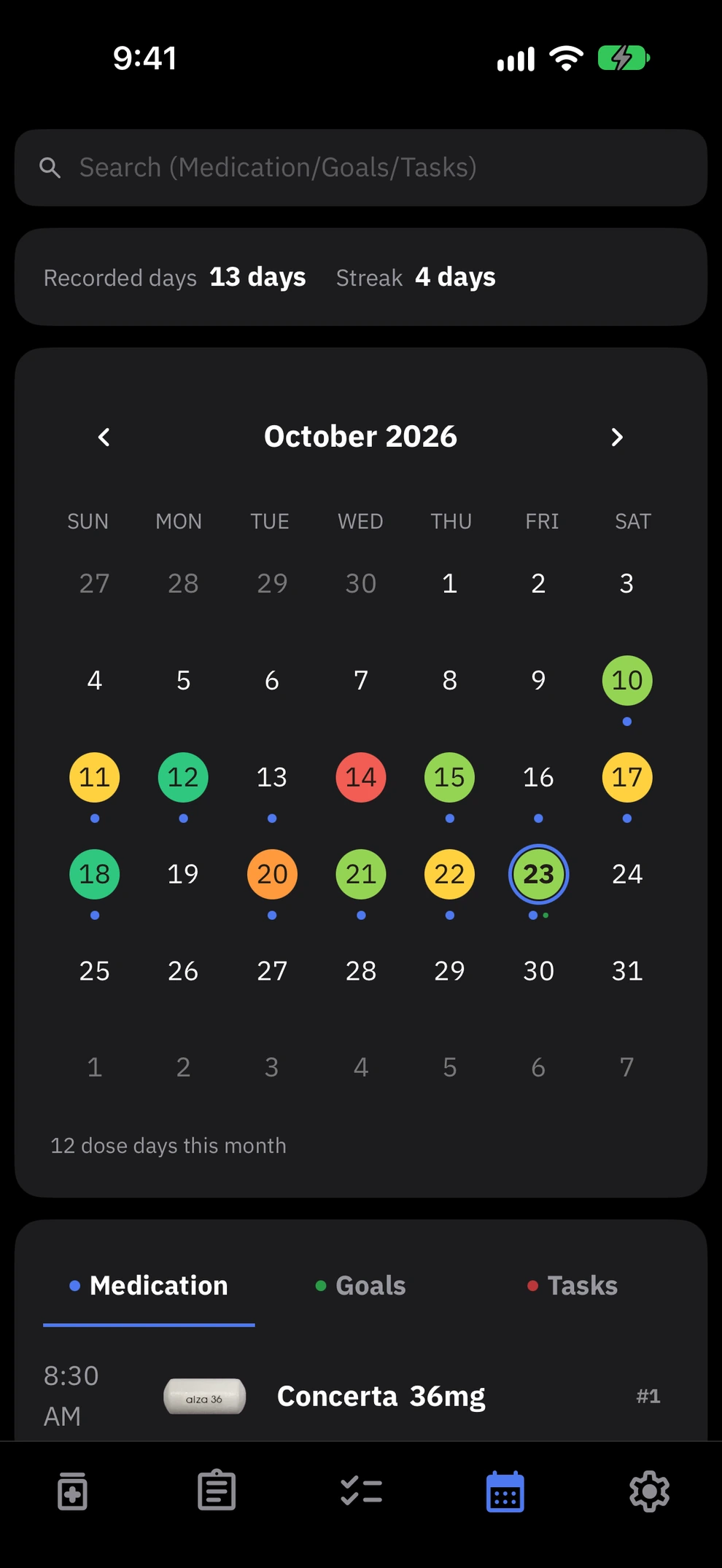
Your past days at a glance.
Each date shows dots for your doses, goals, and tasks. Tap a day to see the medication you took and the goals and tasks you finished, or search to find older records. Your mood and notes for the day help you explain how things have been at your appointment.
05
Settings
Language, look, and backups, your way.
Make it yours
Language and look, your way.
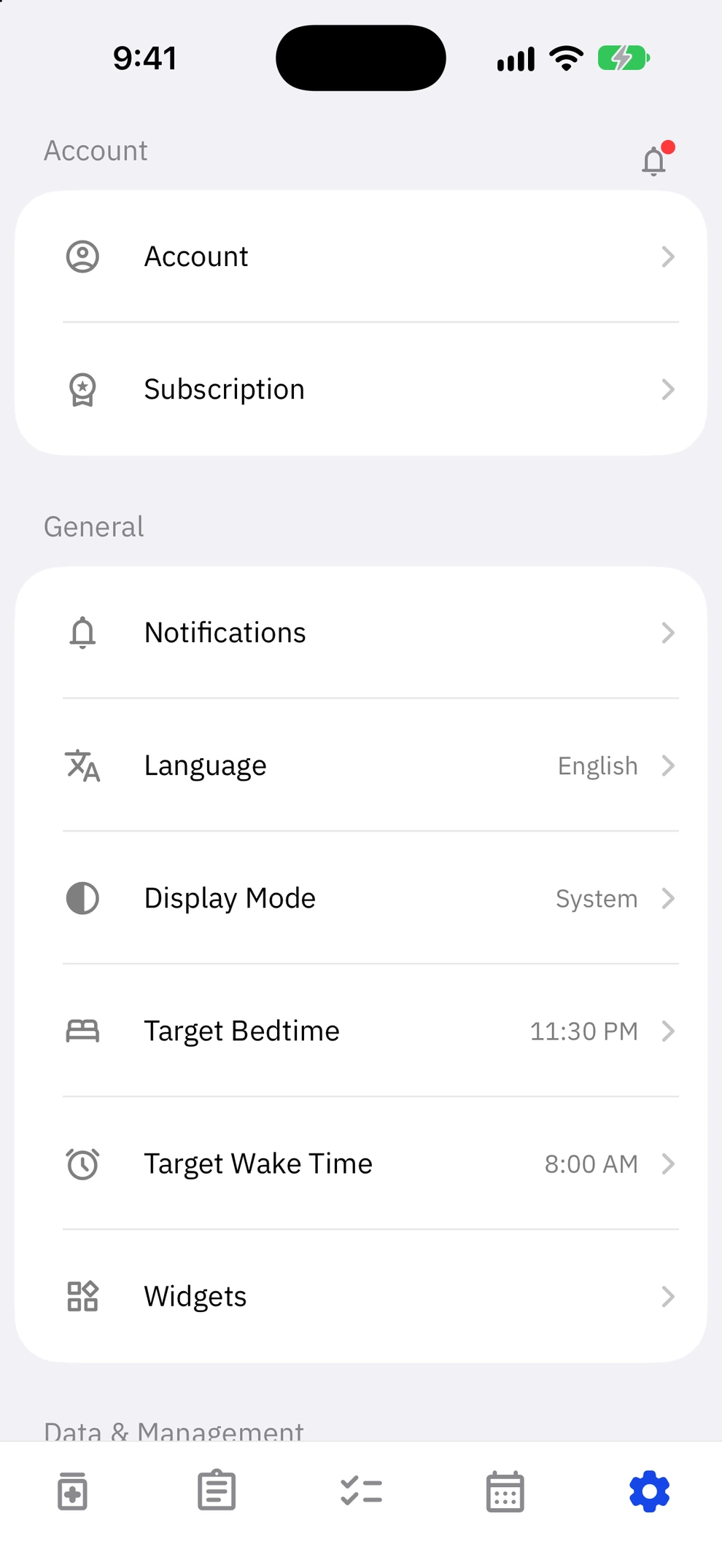
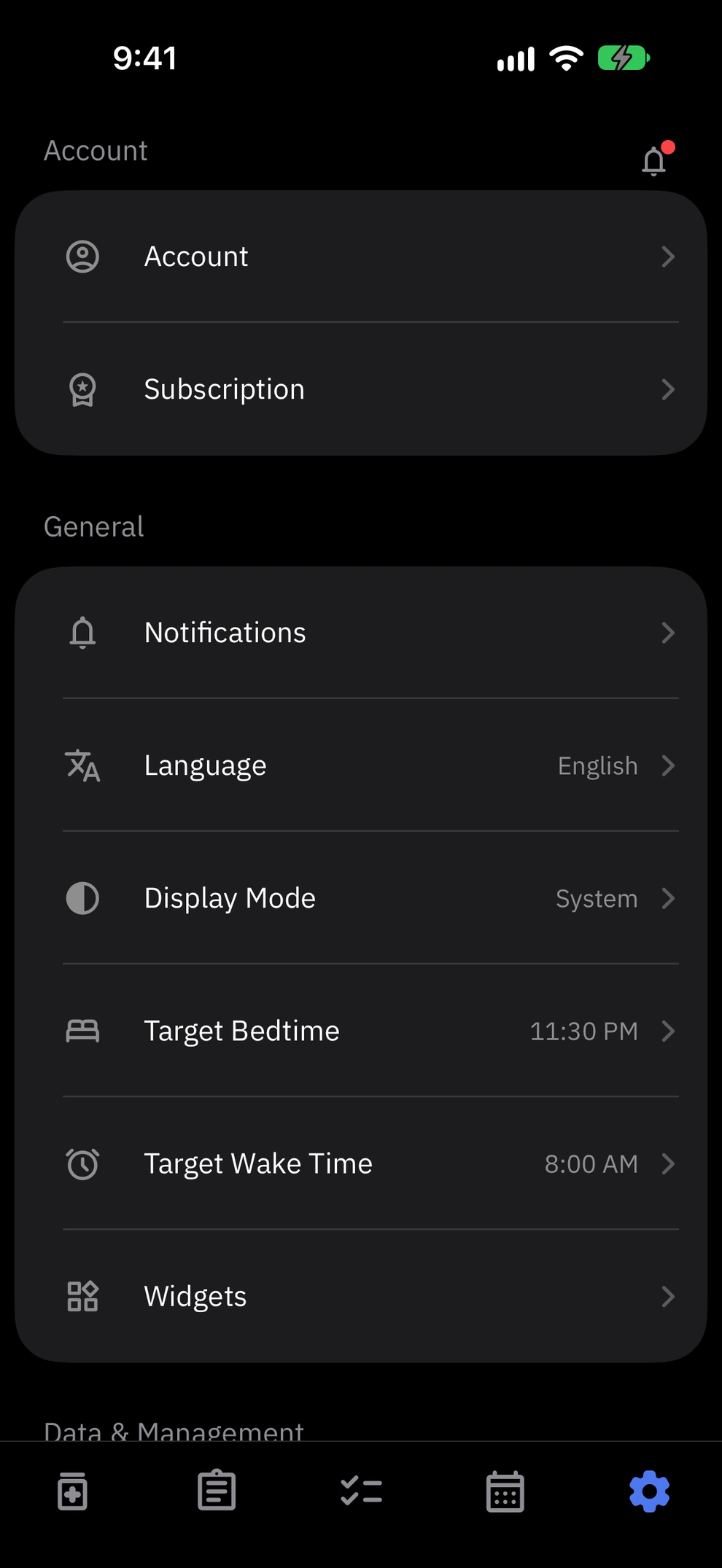
Peakly is available in Korean, English, and Japanese, with dark and light modes and font options. Set your target bedtime and wake time, and Peakly warns you if the effect may last into the night.
Backup and restore
New phone, same records.
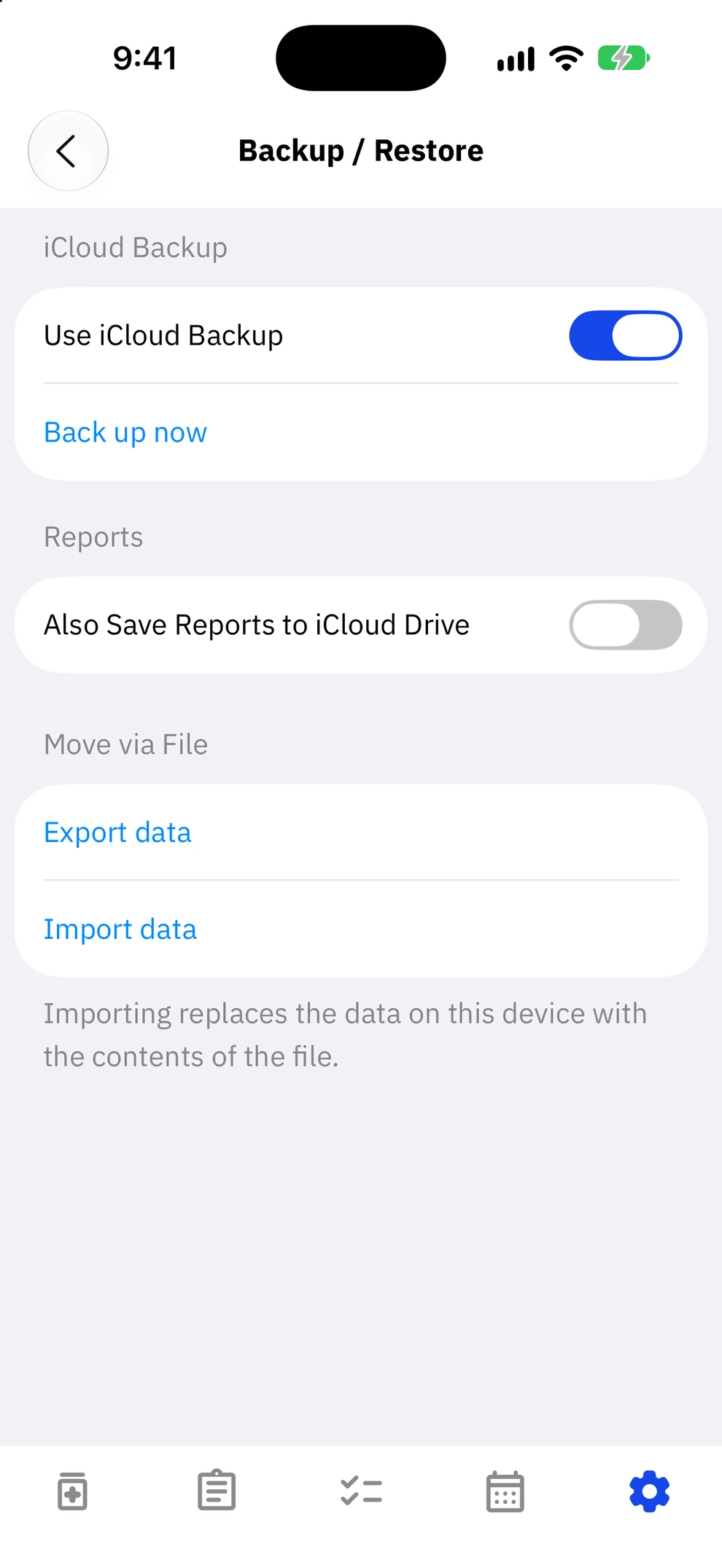
Your dose records and health data never go to an outside server. They are stored only on your device and in your own iCloud (Google Drive on Android). Backups run automatically, and you can also back up now or export a file.
06
Widgets
Right on your Home Screen and Lock Screen.
Home Screen widgets
Without opening the app.
Put your medication status, goal D-Days, goal progress, daily routines, tasks, condition, and calendar on your Home Screen and Lock Screen.
More in Peakly
Apple Watch
Heart rate, movement, sleep, and workouts recorded by Apple Watch come in through Apple Health and show up alongside your medication. The time left is also shown in the watch Smart Stack.
Phase notifications
Get notified when the effect starts rising, when it reaches its peak, and when it starts wearing off. Turn each one on or off.
Heart-rate response
Compares your heart rate after a dose with your usual, and estimates whether a rise reflects the medication's effect or the effect of activity.
Your own medications
Add medications that aren't on the supported list, with your own photo, and keep logging them.
Log from Control Center
Log a dose from Control Center or a Lock Screen button without opening the app.
iPad support
On iPad, records sync with your iPhone on the same Apple Account.